-
by Dave W.

In this video, we showed how to configure the Auto Item app to trigger events based on the order subtotal
You will see how to:
Find the subtotal ...
Posted in
app,
appmarket,
clover,
clover flex,
clover mini,
cloverpos,
fee,
howto,
money,
order amount,
pos,
review,
setup,
solution,
start,
subtotal,
using
-
by Dave W.

In this video, we showed how to see applied custom items actions in Clover Reports.
You will see how to:
Make a test custom item action
Check cust...
Posted in
Actions,
app,
appmarket,
Charge,
clover,
clover flex,
clover mini,
cloverpos,
Custom Items,
Fee,
howto,
money,
pos,
Reports,
review,
setup,
solution,
start,
using
-
by Dave W
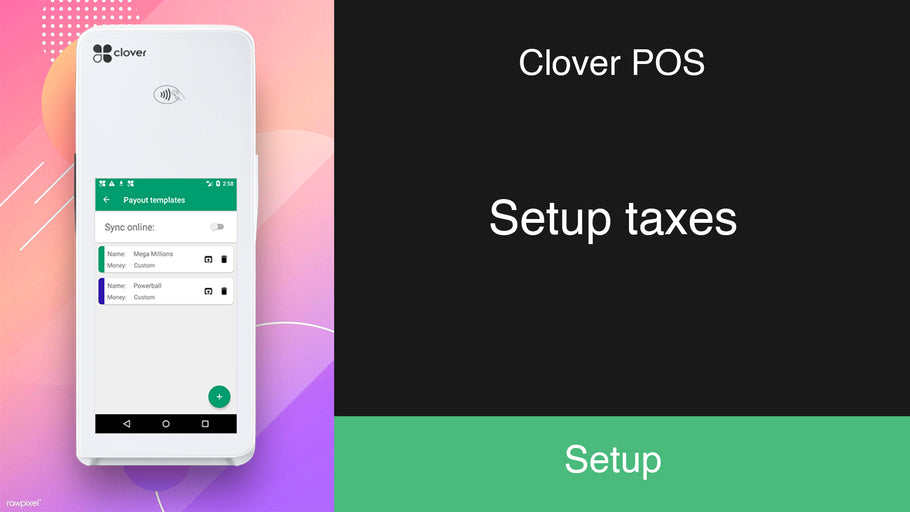
In this video, we showed how to setup and use taxes.You will see how to:
Create tax rates.
Delete tax rates.
Set default tax rates.
Posted in
app,
appmarket,
clover,
clover flex,
clover mini,
cloverpos,
fee,
how-to,
howto,
money,
online,
Payplaxe,
pos,
review,
set default taxes,
setup,
solution,
start,
tax rates,
taxes,
use taxes,
using
-
by Dave W
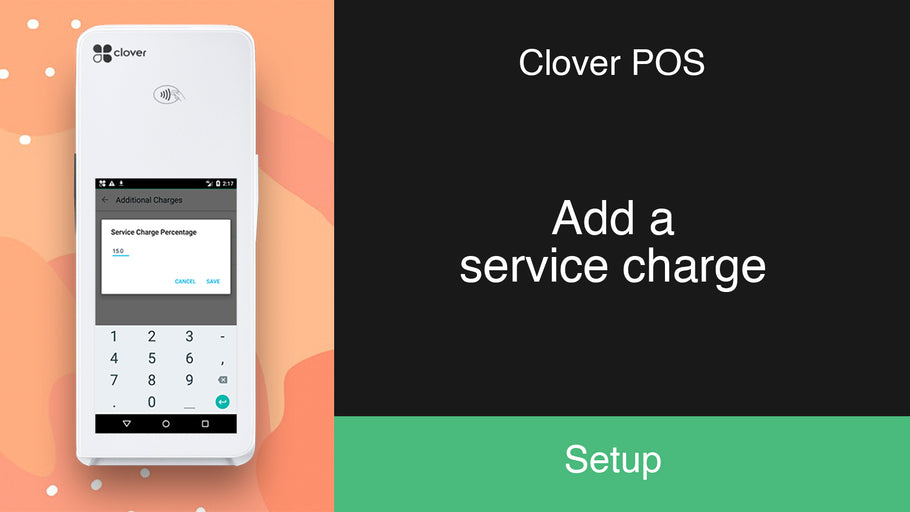
In this video, we showed how to set and use a service charge.
You will see how to:
Enable a service charge.
Set the charge percentage.
Set the ...
Posted in
additional charge,
app,
appmarket,
clover,
clover flex,
clover mini,
cloverpos,
fee,
howto,
money,
online,
pos,
review,
service charge how-to,
set name,
set percentage,
setup,
solution,
start,
using
Use left/right arrows to navigate the slideshow or swipe left/right if using a mobile device